Google removed the map pack call button: Why your phone might stop ringing (and how to fix it)
By: Jesse Nelson
If your local service business counts on inbound calls from Google Maps to keep your crews busy and your calendar full, a major change is unfolding right under your nose. Google is phasing out the one-tap "Call" button directly from map pack search snippets, which may lead some high-intent searchers to visit your website instead of calling directly.
In this guide, you'll discover the exact conversion tweaks, speed optimizations, and tracking fixes we deploy as a local
marketing company so you can protect your inbound call volume and turn website clicks into booked jobs without increasing your ad spend.
TL;DR: Quick takeaways
- Google started dropping the direct call button from map results, which means searchers have to visit your actual website or tap open your profile before finding a phone number.
- Holding the top map spot won't save your lead flow if your mobile site takes five seconds to open or buries your contact details under generic stock photos.
- You'll want to get a sticky call button up on mobile screens, build specific local landing pages, put in basic local schema markup, and set up real click tracking in Google Analytics 4.
Want someone to look over your local setup and tell you what is broken?
Schedule a free consultation with our teamWhy Google is pulling call buttons off map listings

Google seems to be swapping out instant phone calls for website visits because it helps weed out robocalls, pushes more advertisers into Local Services Ads, and lets their algorithm watch how people actually behave on your web pages.
For years, local contractors had it easy. A pipe burst under a kitchen sink in Cumming, someone pulled out an iPhone, typed three words, tapped the little blue phone icon inside the map pack, and called the first plumber with forty reviews. Fast. Frictionless.
That setup is fading fast.
Recent tracking shows Google testing search layouts that remove the direct phone icon across dozens of home service categories. Sometimes the button is gone entirely. Other times it gets tucked behind an extra menu. From what I can tell, they are running these experiments in medium-sized suburban markets where map spam runs rampant.
Why go through the trouble? A few things stand out.
Call spam on maps has gotten out of hand over the past two years. Lead brokers create fake listings for water damage or tree trimming, route the calls to call centers in other states, and sell those leads back to local guys at three times the price. Forcing a searcher to click through to a real web domain adds friction. It weeds out misdials, pocket calls, and automated scrapers.
Then there is the money side. When local businesses get twenty free phone calls every week straight from organic map pins, they have very little reason to pay for Google Local Services Ads or sponsored map pins. By removing that free phone shortcut, Google makes their paid green-badge listings look a whole lot better to a business owner who suddenly sees their call log dry up.
There is also the matter of site quality. As outlined in the official
Google Search Central guidance on user page experience, Google's ranking systems pay close attention to what happens after someone clicks your link. If a visitor lands on your page and bounces back within two seconds to click a competitor, Google treats that as a sign that your business didn't give the customer what they needed.
What this means for service companies around North Georgia
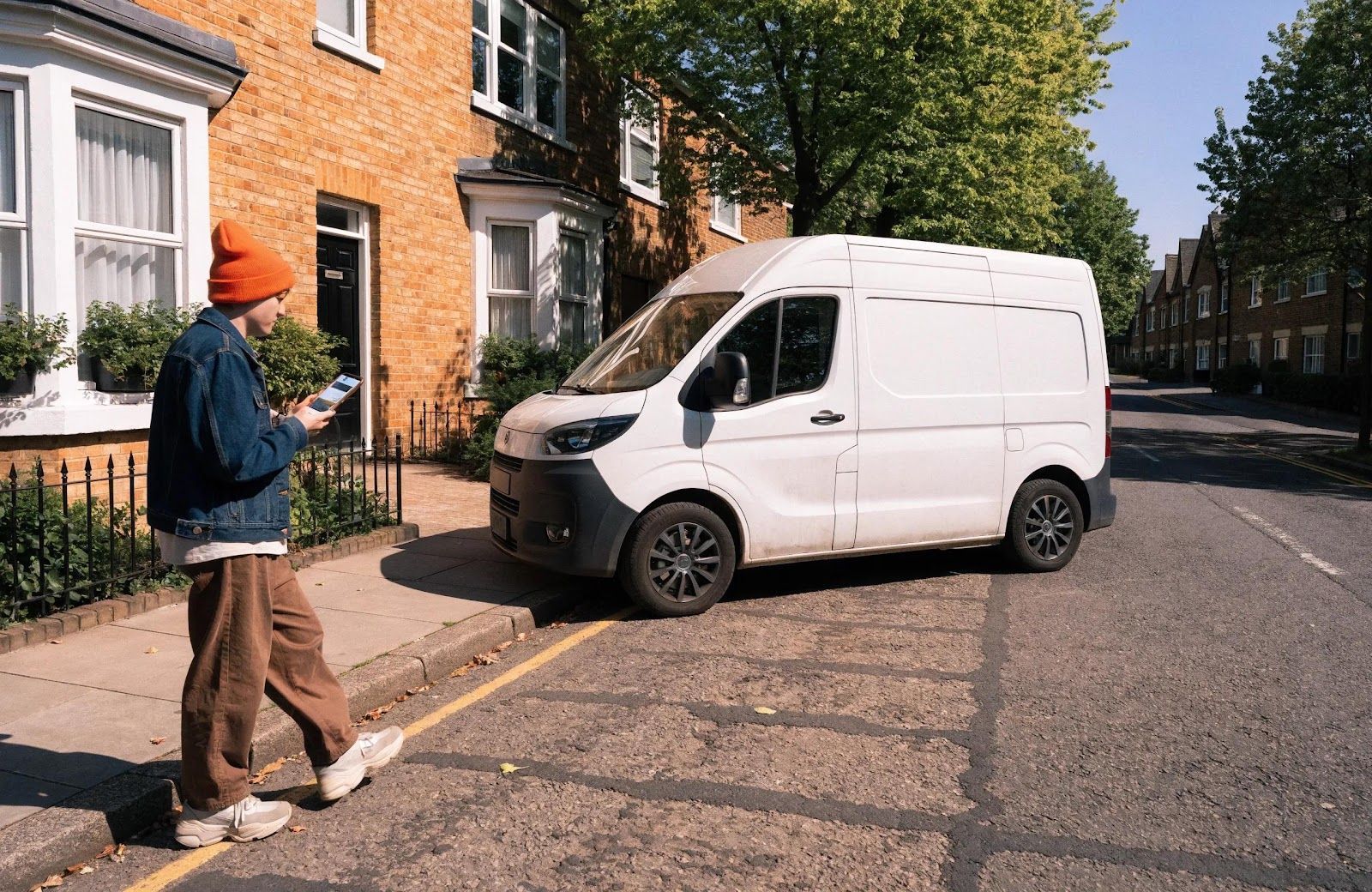
Because prospective customers now land on your web pages before they ever speak with your office manager, having a slow site or a messy mobile layout will quietly drain your incoming jobs.
Imagine a homeowner sitting in a subdivision off Bethelview Road on a Friday afternoon with water backing up into their laundry room. They search for a local plumber. They tap your map listing, expecting to dial right away, but Google drops them onto your homepage.
Now the clock is ticking.
If your website takes four seconds to load because someone uploaded uncompressed five-megabyte photos of work vans, that homeowner isn't going to sit around waiting on a white screen. They hit the back button. They pick the next contractor down the list on Georgia 400.
| Common Website Problem | What Actually Happens to Your Leads |
|---|---|
| Slow mobile speed (>3.0s) | More than half of mobile visitors leave before it loads. |
| Buried phone numbers | Frustrated callers back out and dial someone else. |
| Generic stock photos | People assume you are a national lead mill or broker. |
| Cluttered estimate forms | Homeowners give up when asked for eight fields of info. |
| Vague service territories | People wonder if you actually come out to their county. |
Page speed on mobile devices is your first big hurdle
When someone visits your website from a phone search, any noticeable lag will make them leave before they see your phone number.
Back when people called straight from the map box, your website could have been built in 2008 on an outdated server, and it wouldn't have cost you a single phone call. The call happened inside Google's app. Now that the website is the front door, bad loading speeds will hurt your bottom line faster than bad reviews.
Desktop searchers get pushed into competitor comparison panels
Desktop searches on maps now open large sidebars that show your review scores right next to your competitors, which means any unanswered complaints or missing details stand out immediately.
If a commercial property manager in Alpharetta looks up heating repair from their office computer, clicking your listing pulls up a wide profile card showing your recent reviews, customer questions, and nearby alternatives before they ever reach your website. If your business profile hasn't been updated in six months, they have plenty of reasons to click the next tab over.
Looking at how local search habits have changed
The customer journey has shifted from an instant one-tap phone call to an active evaluation where your map listing and your website have to work together.
To see why your setup might need adjustments, compare the two paths directly:
| Detail | The Old Map Experience | What Searchers See Now | What You Need to Change |
|---|---|---|---|
| Main Button on Mobile | A bright "Call" button | "Website" and "Directions" | Make your mobile site easy to call from in one tap |
| First Impression | Just star ratings and review numbers | Page speed, clear text, and local proof | Clean up slow code and show real local work |
| How Calls Happen | Phone dialer popped up instantly | Searchers must find phone links on-page | Put a sticky call bar across the top of mobile screens |
| Lead Tracking | Simple call reports in your Google profile | Google Analytics 4 tracking on-site actions | Track button clicks, form fills, and calls properly |
| Main SEO Goal | Packing keywords into profile fields | Matching profile data with strong local pages | Connect your map listing to dedicated city pages |
Five practical steps to protect your local leads
You don't need to spend thousands of dollars on fancy marketing software to handle this change, because five practical adjustments to your site will keep calls coming in.
1. Put a sticky call button on mobile screens
A fixed call bar that stays visible as someone scrolls down your page makes it easy for callers to reach your dispatch team without hunting through menus.
When someone lands on your site from Google Maps, they want to talk to a human being quickly:
- Put a clear phone button in your mobile header that stays pinned in place as visitors scroll through your services.
- Make sure every phone number uses standard tel: link formatting so iPhones and Android devices open the dialer immediately on a tap.
- Keep the button text clear and simple, like "Call Our Office" or "Call for Same-Day Service".
2. Build dedicated local service pages for your primary towns
Sending map visitors to a page built specifically for their community builds more trust than dropping everyone onto a generic homepage.
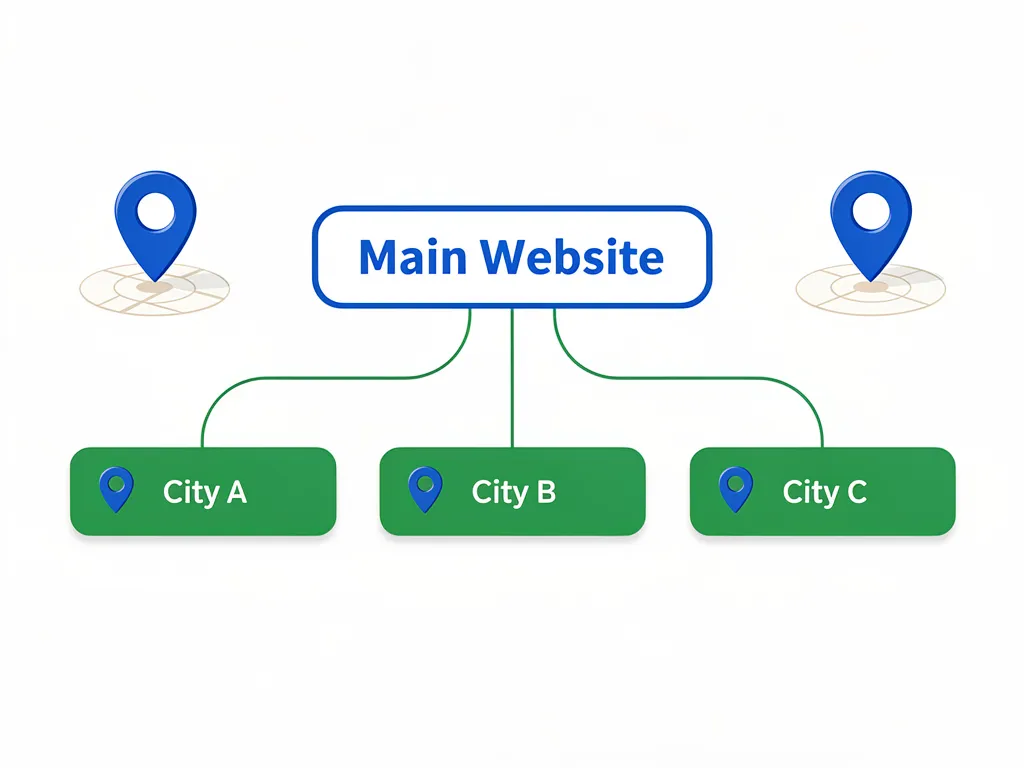
When a homeowner in Forsyth County needs help, seeing a page that talks about their specific area gives them confidence that you are just down the road. For example, our
local SEO and marketing page for Cumming and Forsyth County walks through specific neighborhood services, local reviews, and contact options tailored to that community.
Your service pages should feature:
- Names of specific neighborhoods, subdivisions, and local crossroads you regularly work in.
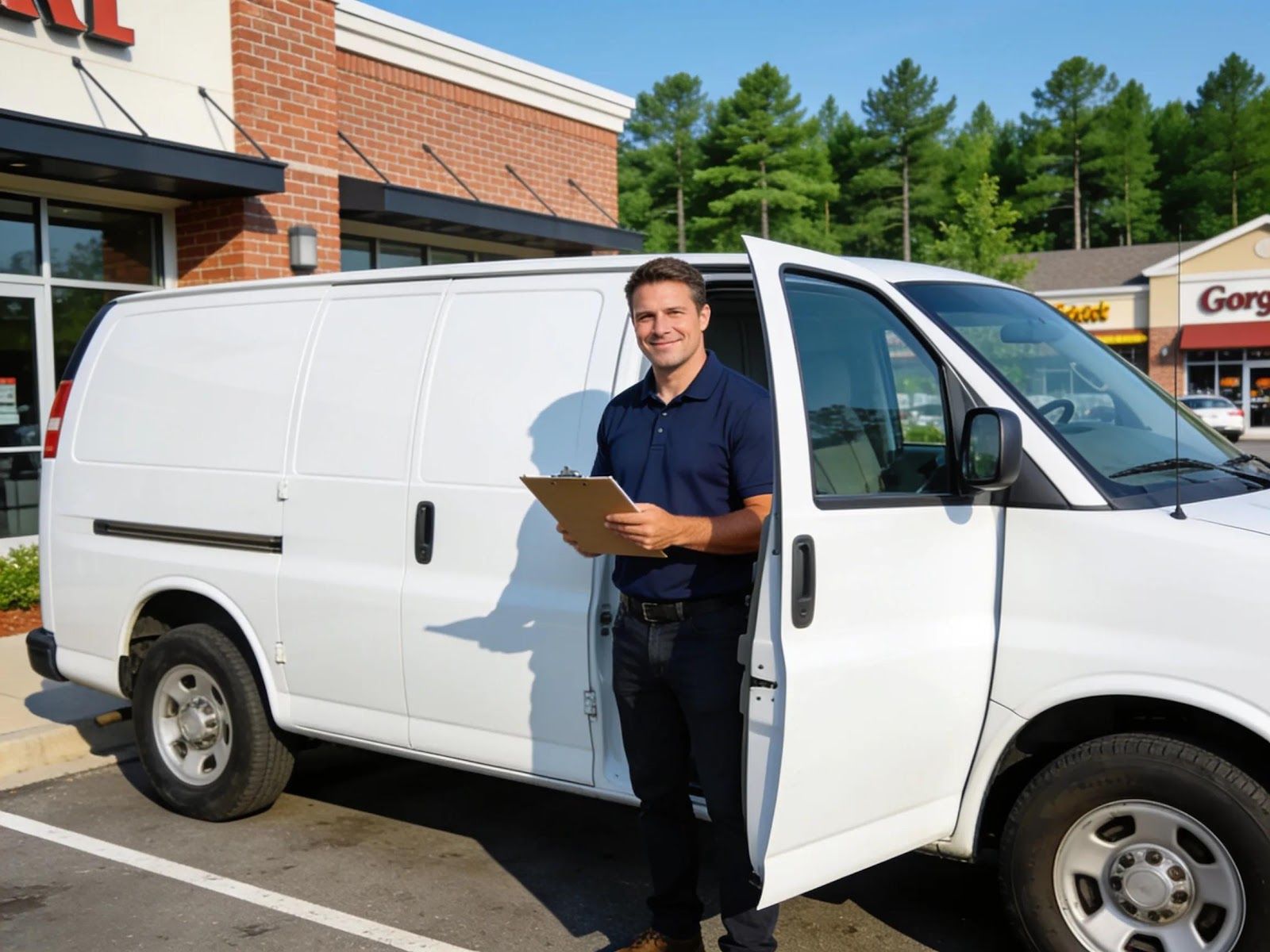
- Real photos of your team, work trucks, and completed jobs around town rather than purchased stock graphics.
- Proof of your business license, local trade certifications, and community memberships.
3. Add structured local business schema markup
Schema markup is simply a small block of background code that confirms to Google that your website and your map pin belong to the exact same company.
Adding this snippet into your website header helps search engine crawlers verify your contact details without guesswork.
This bit of code links your physical office address and phone number directly to your website domain.
4. Cut unnecessary fields off your estimate forms
Short forms with three or four fields capture far more inquiries from people who prefer typing a message over making a phone call while at work.
Plenty of customers would rather submit an online request during an office meeting or late in the evening when your front desk is closed:
- Stick to the essentials: Name, Phone Number, Email, and what kind of work they need done.
- Set up a simple automated text or email that lets them know right away that their request arrived and someone is reviewing it.
- List your actual office hours clearly so people know when to expect someone to pick up the phone or reply.
5. Set up conversion tracking in Google Analytics 4
Tracking specific button clicks in Google Analytics 4 shows you which search terms and web pages produce actual phone calls instead of just raw traffic counts.
Looking at overall visitor numbers alone won't tell you if your marketing is working. You need custom tracking set up for:
- Every click on mobile phone links across your site.
- Form submissions from quote request pages.
- Clicks on driving directions or embedded map pins.
Once that data is flowing in, you can see exactly how many website visitors turn into booked calls, which makes it much easier to decide where to put your marketing budget next season.
Keeping your local business steady through search updates

Google changing how their map buttons work is a good reminder that third-party platforms will always tweak their layouts when it suits them, but your own website is an asset you fully control. Your map profile gets people to notice you, while your website does the work of turning that attention into paying customers.
When your map visibility, page speed, customer reviews, and call buttons all line up, algorithm tweaks end up helping you win jobs while competitors wonder why their phones went quiet.
If you want a straightforward look at your site speed, your map presence, and how easy it is for local customers to reach you, our marketing company is always happy to talk through it.
Schedule a free consultation with our team
About the author

Jesse Nelson owns Simpleman Digital Marketing, based right here in Cumming, Georgia. After earning several Best of Forsyth recognitions between 2022 and 2024, Jesse spends his time helping small and medium-sized service companies across North Georgia handle local search visibility, website improvements, and practical lead generation. Simpleman Digital Marketing runs day-to-day operations out of offices at 106 Colony Park Drive in Cumming and 1400 Buford Highway in Sugar Hill.
Like this Article? Please Help Us Get The Word Out & Share it!
You might also like
Simpleman Digital Marketing Blog